
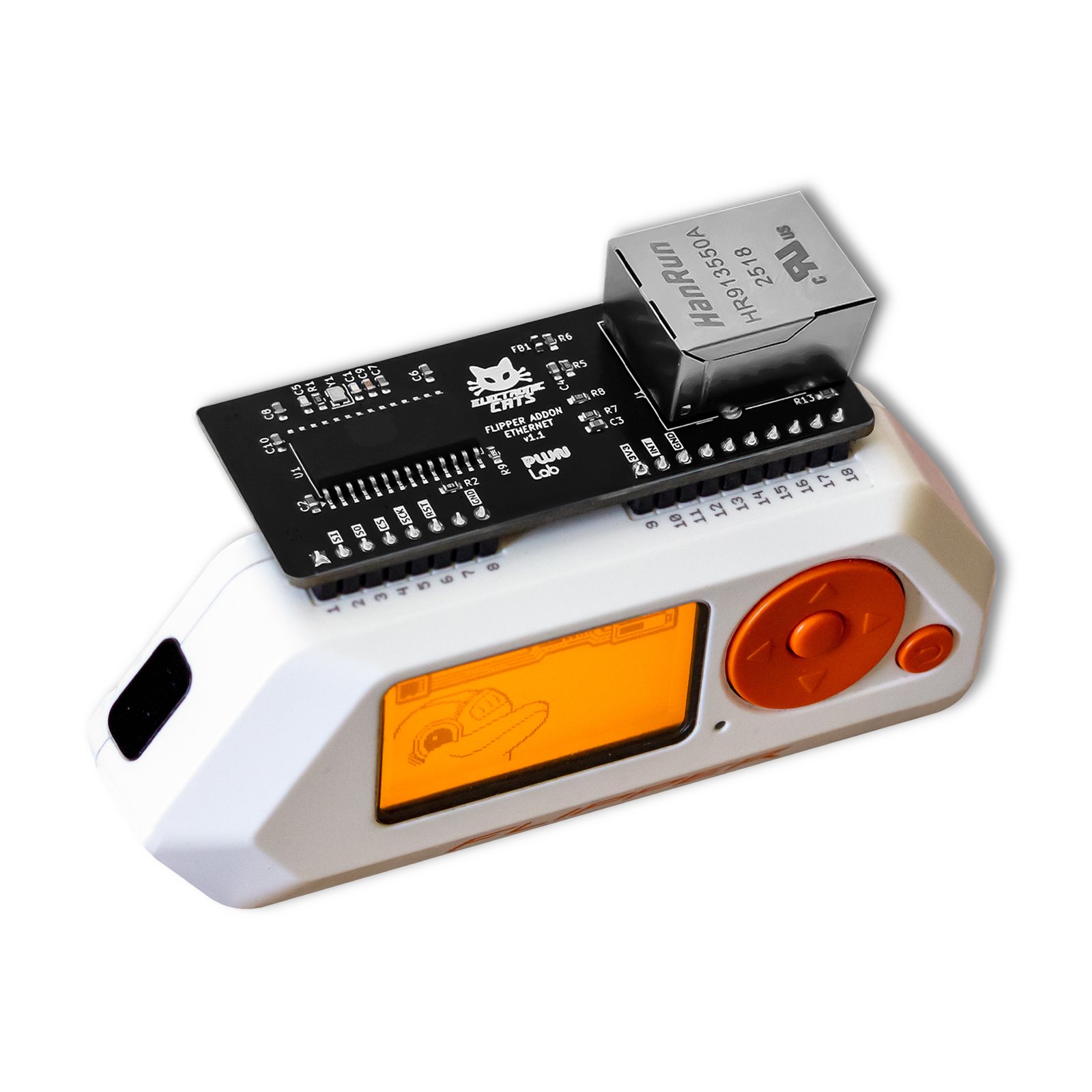
Wi-Fi isn’t always an option on an engagement. The Flipper Add-On: Ethernet plugs straight into the Flipper Zero’s GPIO and gives it a wired network interface, powered by the Microchip ENC28J60, and the companion app just reached v1.1.2.1, its biggest network-recon update yet.
What’s new in v1.1.2.1
This release significantly expands the app’s network reconnaissance capabilities with three brand-new tools:
- Port Scanner to map open services on hosts across the segment
- OS Detector that uses TCP/IP fingerprinting to guess a target’s operating system
- Ping for quick reachability checks
Under the hood, it’s a major networking refactor focused on stability and responsiveness. A new shared scanner session architecture now powers Ping, ARP scanning, Port Scanning and OS Detection alike, with reusable host-selection workflows across modules and a UI reorganized around a more natural network-audit flow.
The core toolkit
Those new tools sit alongside what the add-on already did well: enumerate hosts with ARP scan, run ARP poison / spoof for MITM-style testing, discover devices, and capture traffic to a PCAP for later analysis in Wireshark.
Plug & play, fully open source
No Flipper hardware modifications are required, it’s plug and play, and the companion app (EthernetAppDemo) is MIT-licensed and open on GitHub. At $25, it’s still the most affordable way into the PWNLAB lineup.